Quick Summary
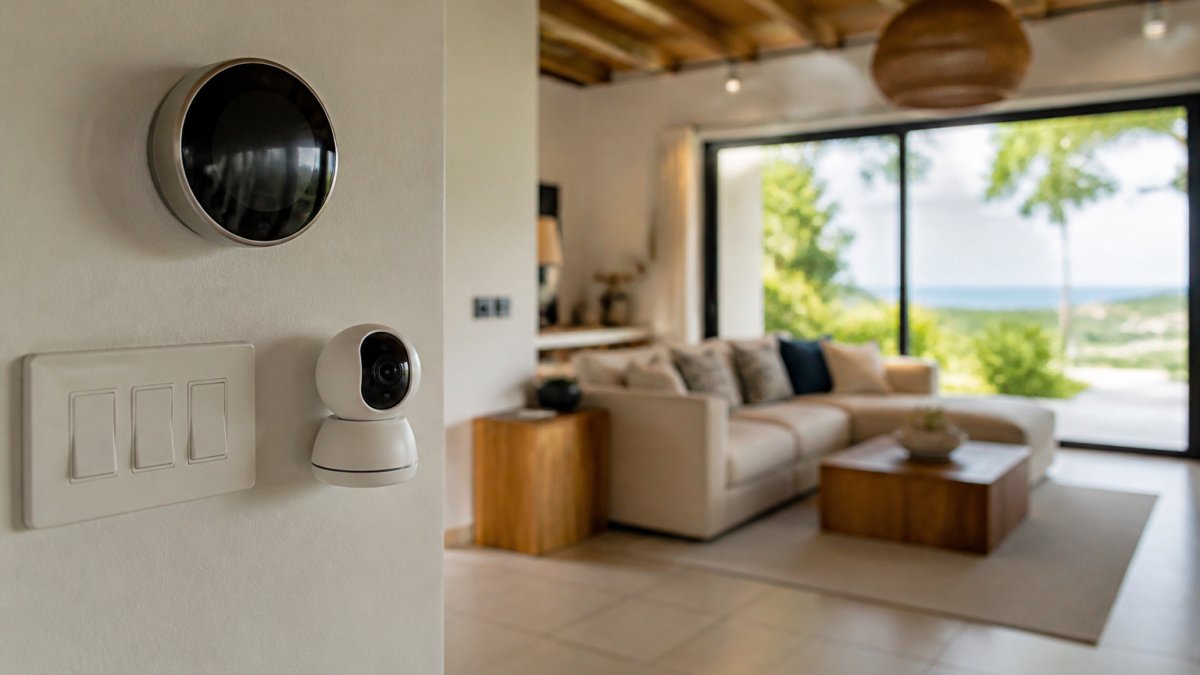
The best smart home devices for a luxury rental are an exterior-rated smart lock for keyless guest entry, a smart thermostat for energy control, and mesh Wi-Fi for reliable coverage. Choose hardware that works offline and holds up to coastal humidity and salt air. Keep a manual backup for every critical function.
- Choose an exterior-rated smart lock that keeps working on stored codes when internet drops.
- Smart thermostats cut air conditioning costs, often the largest utility expense in a tropical rental.
- Mesh Wi-Fi is the foundation; poor coverage makes every other device underperform.
- Cameras carry a monthly cloud fee of ₡5,000-₡15,000, which can exceed the camera price within two years.
- Noise monitors should measure decibels only, never record audio, and be disclosed to guests.
Table of Contents
- Why Smart Home Devices Matter for Luxury Vacation Rentals
- Smart Locks for Vacation Rentals and Keyless Guest Entry
- Smart Thermostats for Vacation Rentals and Energy Control
- Vacation Rental Noise Monitoring Devices and Privacy Limits
- Guest-Friendly Smart Home Technology That Guests Actually Use
- Cameras, Smoke Detectors, Lighting and Wi-Fi: Core Devices Compared
- Choosing the Right Devices for Your Property and Planning Your Next Step
- Frequently Asked Questions
Smart home devices can make or break the guest experience at a luxury rental. A well-chosen set of locks, thermostats, cameras and sensors cuts check-in friction, protects the property and keeps utility costs in line; the wrong set creates guest complaints, security gaps and repair bills. Marquis Stays Property Management manages high-end coastal homes in Costa Rica, so the guidance below reflects the conditions owners commonly face there: salt air, heavy humidity, intermittent connectivity in rural areas and guests who expect hotel-grade comfort.
Why Smart Home Devices Matter for Luxury Vacation Rentals
A smart home device is any connected product a guest or manager can control or monitor remotely through an app or voice assistant.
Remote owners benefit most. A property in Costa Rica may sit empty for weeks, and a device that reports a door left unlocked or a thermostat running at full power gives you visibility you would otherwise lack.
Smart Locks for Vacation Rentals and Keyless Guest Entry
Keyless entry removes one of the most common friction points in short-term rentals: the key handoff. Smart locks let you issue time-limited access codes to each guest, change them between bookings and review a log of entries, replacing physical key exchanges that are slow, easy to lose and hard to track.
When comparing locks, check three things first:
- Weather rating. Coastal humidity and salt air corrode standard hardware. Choose a model with an exterior-grade finish and an IP rating suited to outdoor use.
- Offline operation. Rural properties can lose internet. A lock that keeps working on stored codes avoids locked-out guests at 11 p.m.
- Backup access. A physical key or keypad override is essential for power failures and battery depletion.
Watch out: A lock that depends entirely on a cloud service can fail for everyone at once during an outage. Test the offline fallback before you hand over any booking.
Smart Thermostats for Vacation Rentals and Energy Control
Air conditioning is often the largest utility cost in a tropical rental. A smart thermostat lets you set a default temperature, prevent the system running in unoccupied rooms and raise the setpoint automatically between stays.
Compatibility matters more than brand name. Confirm that the thermostat works with your existing split-system or central units, and that the mobile app works reliably on the connection available at the property.
Vacation Rental Noise Monitoring Devices and Privacy Limits
Noise monitors protect the owner's relationship with neighbours rather than the guest's convenience, which is why they belong in a luxury rental plan, but only if the privacy architecture is right. The category splits into two very different products, and the distinction matters more than any brand comparison.
Decibel-only monitors measure sound pressure levels and report a number or a threshold alert.
What a compliant setup looks like
A workable noise-monitoring policy has five parts:
- Device choice. Specify decibel-only hardware in writing. If a device has a microphone, confirm in the settings that audio capture is disabled and that the vendor does not retain clips.
- Placement. Mount the sensor in a common area, living room, dining area, pool deck, never in a bedroom, bathroom, or any space where a guest has a reasonable expectation of privacy. Point it away from sleeping quarters.
- Disclosure. Name the device in the listing description, in the rental agreement, and on a small card inside the property. Disclosure should say what is measured (sound level), what is not (conversation), and who receives alerts.
Cameras: the placement rules that actually hold up
The same logic applies to cameras, where the stakes are higher because video is far more revealing than a decibel reading. The defensible pattern is consistent across luxury operators:
- Exterior only. Entry doors, driveways, parking areas, pool equipment, and perimeter gates. Never inside the home, never facing a window, never in a covered patio where guests change or relax.
- No audio. Disable microphone capture on every camera. Audio turns a security tool into a recording device.
- Signage and disclosure. A visible notice at the entry and a clear listing disclosure that names each camera location. Guests who discover an undisclosed camera after arrival generate the complaints that damage a luxury brand.
Watch out: A camera aimed at a neighbour's property or a shared corridor can create a complaint from someone who is not your guest, and that complaint is much harder to resolve than a guest complaint. Walk the sightlines before mounting.
The consent layer owners forget
Guests consent to monitoring through the booking terms, not through a device notification on arrival. The rental agreement and the listing must both describe the monitoring before the guest pays, and the in-property notice should repeat it. For properties that host events or photo shoots, a separate written acknowledgement is worth having. Have a Costa Rican legal adviser review the disclosure language and retention policy once, then reuse the approved template across the portfolio.
Where noise monitoring fits in the device stack
Noise monitoring is not a substitute for a smart lock's access log or an exterior camera; it answers a different question, is the property being used in a way that will generate a complaint? Pair it with a clear house rule on quiet hours, a named contact who responds to alerts, and a documented escalation path. Without those three, the device generates alerts nobody acts on and creates privacy exposure for no operational gain.
Guest-Friendly Smart Home Technology That Guests Actually Use
Guests value devices that make their stay easier, not devices that feel like surveillance. Operators weighing these guest-facing tools can review the CRM features that support guest experience and communication with luxury guests. For practical guidance on explaining these features to luxury guests, see guest communication best practices for luxury rentals.
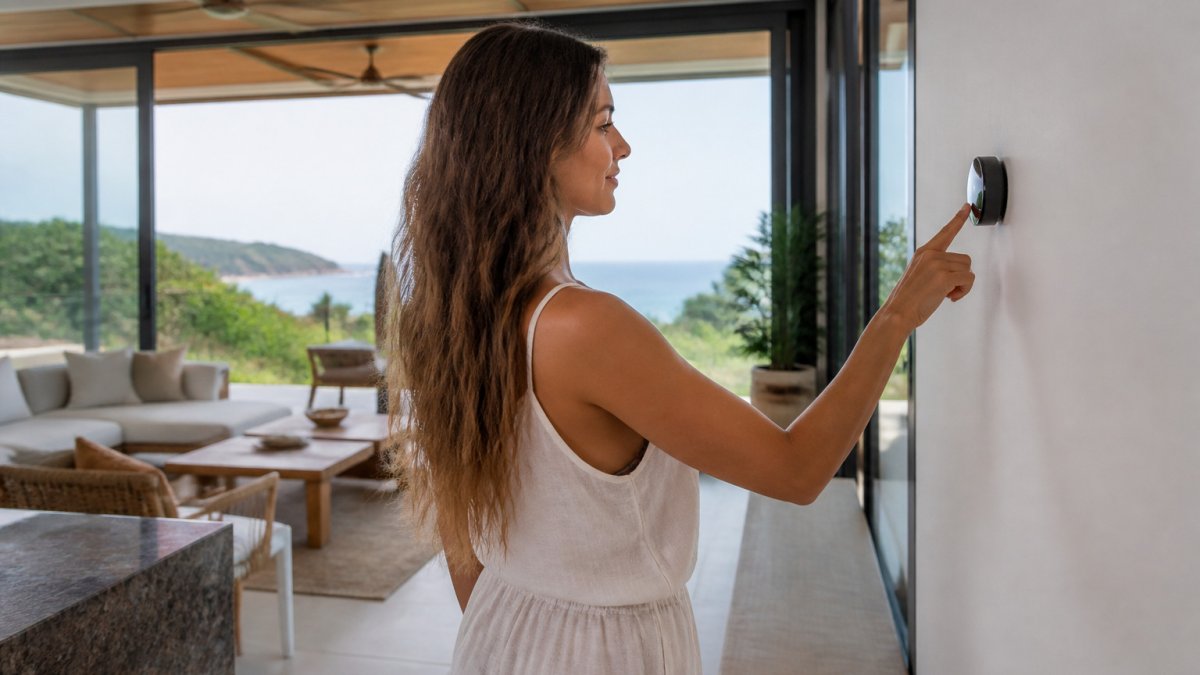
Placement affects how often guests use a feature. Put the main control panel where a guest naturally enters a room, not hidden in a utility closet. Owners considering what else luxury guests expect can browse private vacation rental amenities in Costa Rica.
Cameras, Smoke Detectors, Lighting and Wi-Fi: Core Devices Compared
The table below compares the core categories on the dimensions that actually drive a purchase decision: what the device does, what it costs to own over time, and which property type it suits.
| Device | Main benefit | Typical hardware + install (CRC) | Recurring cost | Best fit |
|---|---|---|---|---|
| Smart lock (exterior-rated) | Keyless entry, per-guest codes, access log | ₡120,000-₡350,000 per door | None, or ₡3,000-₡8,000/month if cloud-managed | Every property; prioritize the main guest entry |
| Smart thermostat | Energy control, remote setpoints, runtime alerts | ₡90,000-₡250,000 per zone | None | Properties with split or central AC |
| Exterior security camera | Entry and perimeter monitoring | ₡80,000-₡200,000 per camera | ₡5,000-₡15,000/month for cloud storage | Entry points, driveway, pool equipment |
| Connected smoke and CO detector | Early hazard warning pushed to the manager | ₡25,000-₡60,000 per unit | None | Every sleeping area and kitchen |
| Smart lighting (switches or bulbs) | Ambience, schedules, energy savings | ₡40,000-₡150,000 per room | None | Common areas and exterior |
| Mesh Wi-Fi system | Reliable coverage for guests and devices | ₡150,000-₡450,000 for a whole home | ₡0-₡10,000/month depending on ISP plan | Every property; essential for large or split-level homes |
Reading the table like an owner
The purchase price is the smallest number in most of these rows. The real cost of ownership is hardware plus installation plus subscription plus replacement, spread over the device's service life. A camera with a ₡10,000 monthly cloud plan costs ₡120,000 a year before anything breaks, more than the camera itself in year two. A smart lock with no subscription and a ten-year service life is usually the cheapest device per year of service in the stack.
Match the stack to the property type
A single generic list underserves luxury owners because the priorities shift with the asset:
- Beachfront villa with a pool. Salt air and humidity shorten the life of exterior hardware, so spend up on IP-rated locks and cameras and budget for earlier replacement. Pool equipment and exterior lighting deserve their own circuits and their own monitoring.
- Large multi-level home. Wi-Fi is the foundation; without reliable coverage, every other device underperforms. Budget for access points on each floor before buying anything else.
- Remote or rural property. Offline operation is non-negotiable. Choose locks that work on stored codes, thermostats that hold schedules locally, and detectors that alert over a cellular backup if the landline internet drops.
The devices guests notice, and the ones they never should
Wi-Fi and climate control are the two categories guests judge within the first hour. A mesh system with access points in the main living areas and upper floors, plus a thermostat that holds a comfortable setpoint without guest intervention, prevents the most common early-stay complaints. Cameras, detectors, and noise monitors should be invisible in operation, present, disclosed, and silent.
Interoperability and outage planning
Choose one ecosystem where possible (a single hub or app that controls locks, lighting and climate) and confirm every device you buy is supported by it. Keep a written record of logins, firmware update dates and battery replacement schedules. For every critical function, entry, climate and hazard alerting, keep a manual fallback: a physical key, a local thermostat override and a detector that sounds locally even when the network is down.
Choosing the Right Devices for Your Property and Planning Your Next Step
Start with the property type. A beachfront villa with a pool has different priorities from a mountain retreat near La Fortuna, which faces higher humidity and less reliable internet.
Plan for outages and maintenance from the beginning. Keep a written record of device logins, firmware updates and battery replacement dates.
For owners who would rather not manage installation and upkeep themselves, professional luxury rental management can help with device selection, setup and ongoing operation. You can explore luxury property management services in Guanacaste to see what full-service management covers in that region. Marquis Stays Property Management offers full-service management for high-end coastal homes, and you can compare professional luxury rental management services to see how this fits your situation.
Smart home technology works best as part of a deliberate operating plan, not a collection of gadgets.
Frequently Asked Questions
What smart home devices are best for a luxury vacation rental?
The strongest starting set for a luxury vacation rental is a keyless smart lock, a smart thermostat, a smoke and carbon monoxide detector with app alerts, Wi-Fi with a reliable router, and smart lighting controls. Locks and thermostats deliver the most direct value because they handle guest check-in and energy use without staff visits. Cameras, if used, belong only in shared exterior areas and must follow clear privacy rules. Choose devices that work with one platform and can run offline or manually, so a connectivity outage does not leave guests locked out or uncomfortable. Price varies by brand and installation, so confirm current costs in colones (CRC) with your installer or with Marquis Stays Property Management before buying.
Are smart locks a good choice for vacation rentals?
Smart locks suit vacation rentals well because they let you issue unique access codes for each stay and remove them automatically at checkout. This removes the need to hand over physical keys in a remote property. The main risks are Wi-Fi or battery failure and poorly managed codes. Look for a lock with a physical key or keypad backup, an audit log of entries, and integration with your booking calendar. Test the lock with each new guest arrival and keep a manual override plan documented for your property manager.
How can hosts monitor noise without recording guests?
Noise monitors measure sound levels in a room and send alerts when a threshold is exceeded, without recording audio or video. They are placed in common areas, not bedrooms or bathrooms, and their data should be disclosed to guests in the house rules. Set thresholds carefully so that normal conversation does not trigger constant alerts. Review how long the device stores data and who can access it. Because privacy expectations and local rules can apply, confirm your approach with a Costa Rican legal adviser before installing any monitoring device.
Should a vacation rental have a smart thermostat?
A smart thermostat is worth installing in most luxury rentals because it can reduce energy use when the property is empty and bring it to a comfortable temperature before a guest arrives. Schedule setpoints for vacant periods, enable occupancy-based settings where available, and make sure the unit works with the air conditioning system already installed. Guests should have a simple control with clear limits so they cannot set extreme temperatures that raise utility costs. Ask your installer for a written estimate in CRC before committing.